We’ve just released a visual overhaul of Bookmarks and Search History in Trip. The functionality is exactly the same — but it now looks a million times better.
Bookmarks
Bookmarks let logged-in users save articles they’ve read or want to come back to later.
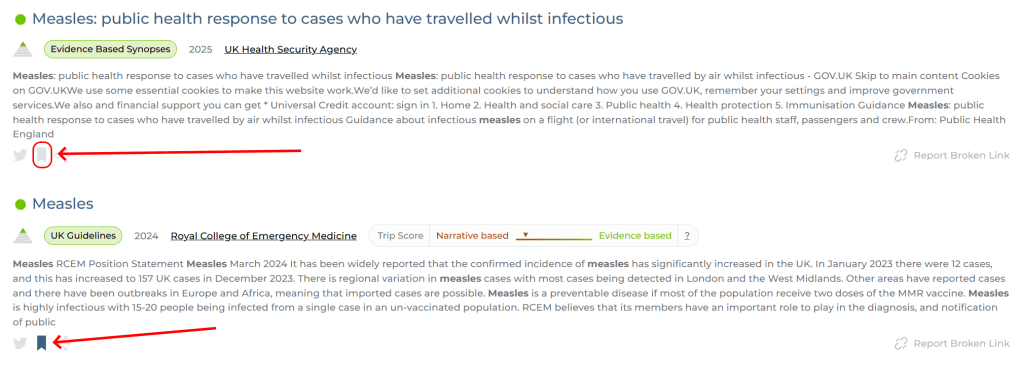
- On the results page, you’ll see a bookmark icon on each article.
- Click the icon to bookmark the article.
- Once saved, the icon appears darker, confirming it’s been bookmarked.
Viewing your bookmarks
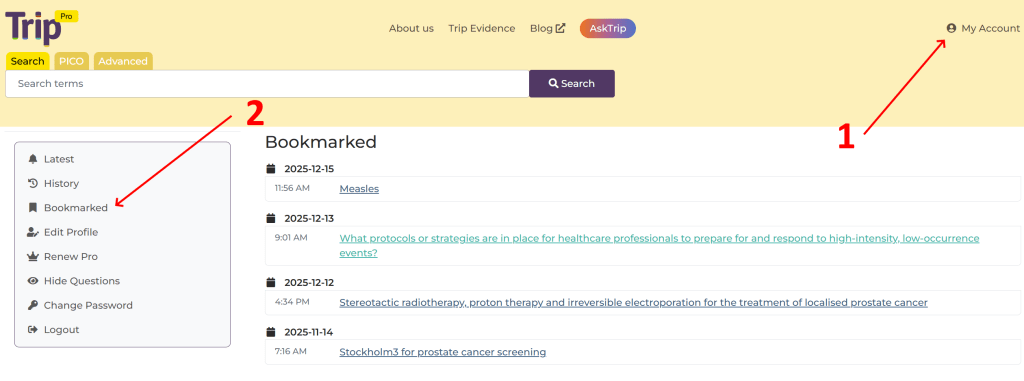
To see all your saved articles:
- Go to My Account (1)
- Select Bookmarked (2)
Search history
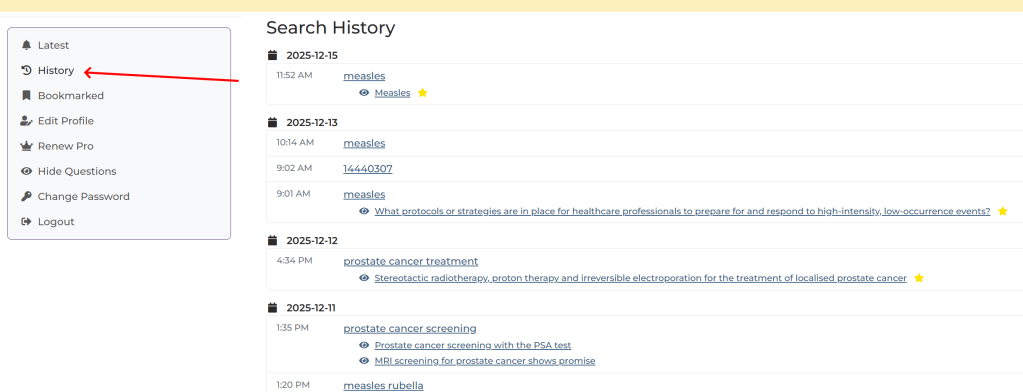
In the same area of My Account, you’ll find Search History.
Search History keeps a record of:
- The searches you’ve run in Trip
- The articles you’ve viewed
This makes it easy to revisit previous searches, retrace your steps, and quickly find evidence you’ve already explored.

 Trip Database Blog
1 Pingback